User Settings
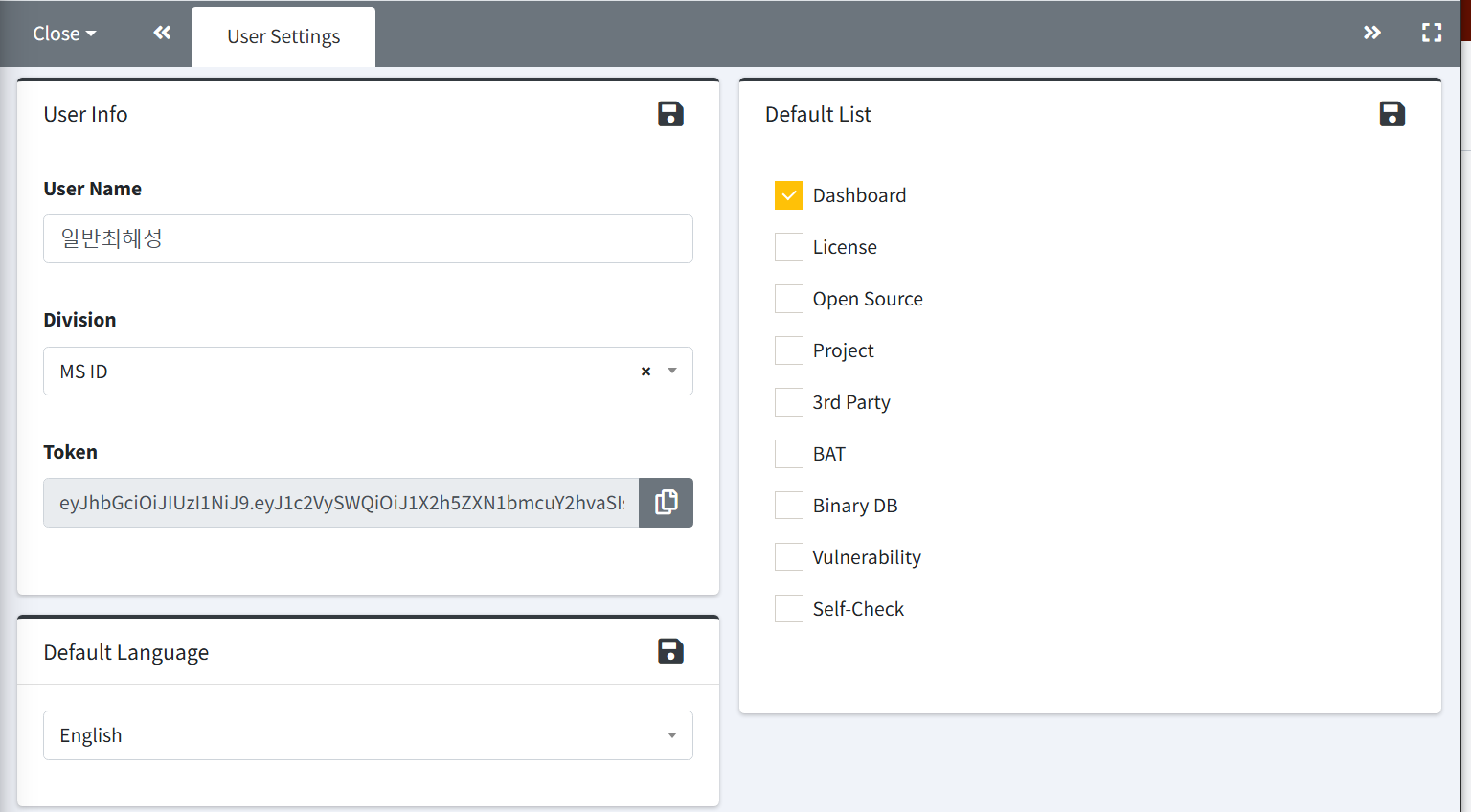
You can view and update your personal settings after logging in.
-
User Info
- User Name and Division can be modified. The configured Division will be used as the default value when creating a project in the ‘Project' and ‘3rd Party' menus.
- Password : To change your password, check the box on the left and enter a new password.
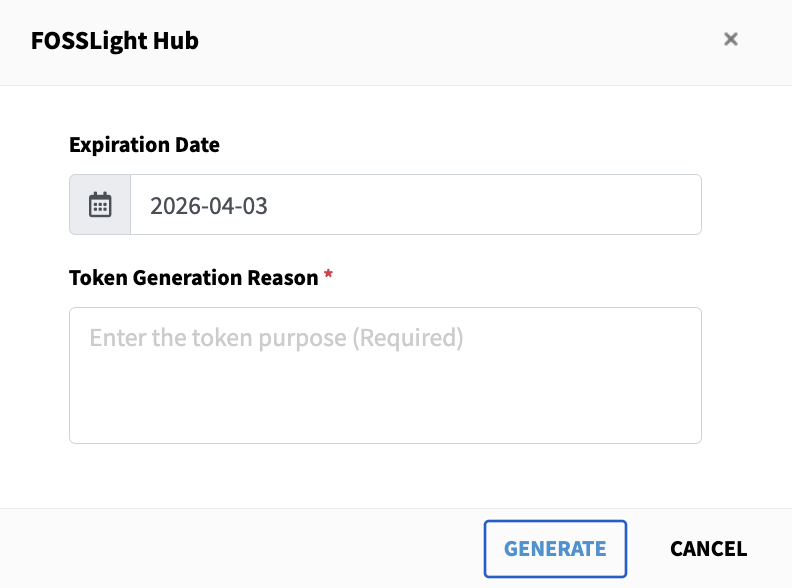
- Token : You can issue a token using the Create Token button, and you can view the issued token information.
-
Default Language
- You can select a default language between Korean and English.
-
Default List
- You can select the menu that will be displayed by default in the left navigator area after login.